
As a small business owner you’re always short on time. Marketing, answering client queries, invoicing, meetings and content can all take up your day, but we’ve put together this list of the 11 best AI tools for small businesses to help make your life easier.
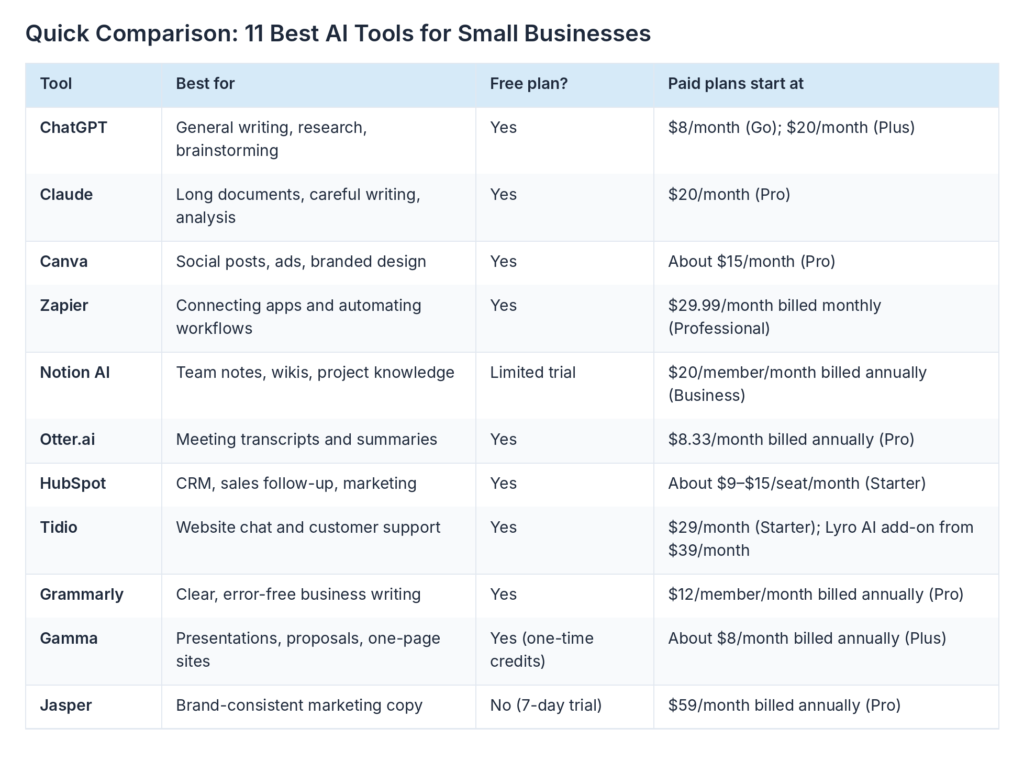
Below, we’ve listed out what they do, how they’ll benefit you and an example of how they could work for you. We’ve also included their current price point + some genuine benefits and drawbacks. Take a look at the quick summary below to see which ones fit with your biggest bottleneck.
Comparison for 11 Best AI Tools for Small Businesses
How We Selected the Best AI Tools for Small Businesses
We looked at a range of independent review sites, official product information and price pages to find the best tools. All of our choices had to:
- Solve an actual problem that small businesses face. Whether it be marketing, customer service, scheduling, sales or administration.
- No need for any development or data team members. Quick to set up.
- Low cost to start using. Ideally pay for use, although some free options are acceptable.
- Clear pricing structure.
Pricing listed below is in USD for the US market.
The 11 Best AI Tools for Small Businesses
1. ChatGPT: Best AI Assistant Tool
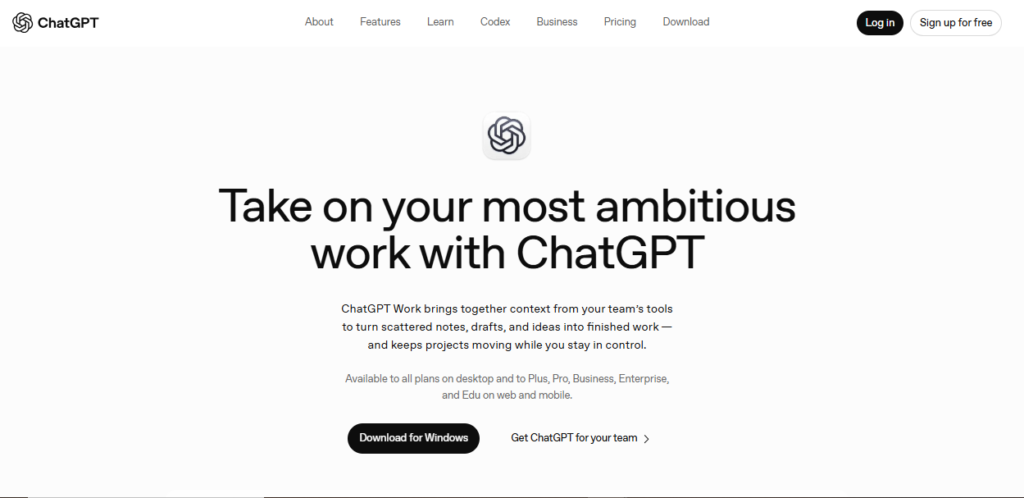
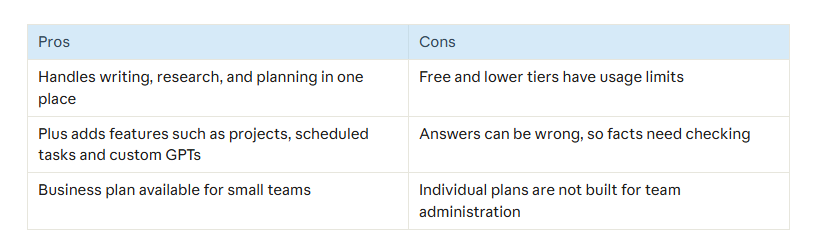
ChatGPT – a general-purpose AI assistant for research, writing, summarizing and brainstorming . As a rule, it is the first AI tool that small business owners try because one subscription can be used for a variety of jobs.
Example: A real world scenario could be a local bakery to copy list of products and ask for a week of instagram captions and then ask for polite reply to catering request.
Pricing: The free plan is $0. Go is $8 a month. Plus is $20. These plans are for individuals, says OpenAI Business plan for teams: $20 per user per month, billed annually, or $25 per month, minimum two users. Free & Go may include advertisements. See the official pricing page for the latest details.
2. Claude: Best for Long Documents and Careful Writing
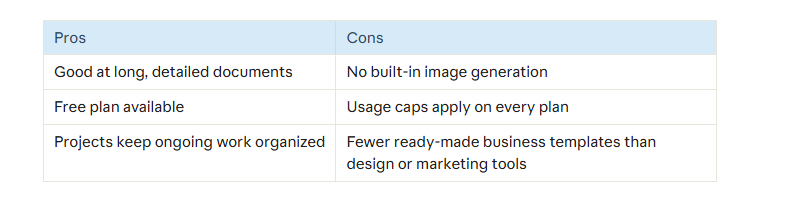
Another general AI assistant developed by Anthropic is Claude. Claude is well suited for reading long documents, report writing and for answering complex questions. It has support for Projects and Artifacts.
For example, a consultant could upload a long client brief to Claude and ask it to summarise it, show any questions that need to be asked and produce an initial proposal.
The pricing for Claude is free, but with a limit on how much you can use per day. The Pro plan is $20 per month (but cheaper if billed annually). Team and high volume Max plans are also available. Claude does not have image generation capability. Please check the pricing page directly for details, as consumer plans change occasionally.
3. Canva: Best for Fast, On-Brand Design
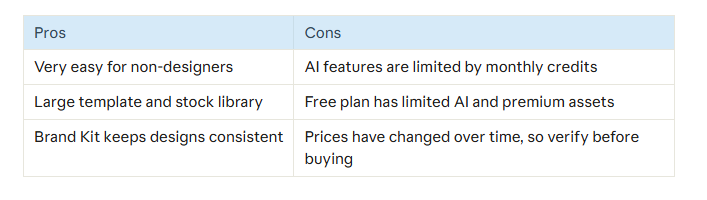
Canva is a design tool offering AI features in the Magic Studio section. This includes text editing (Magic Write), template creation using prompts (Magic Design), image creation & background removal.
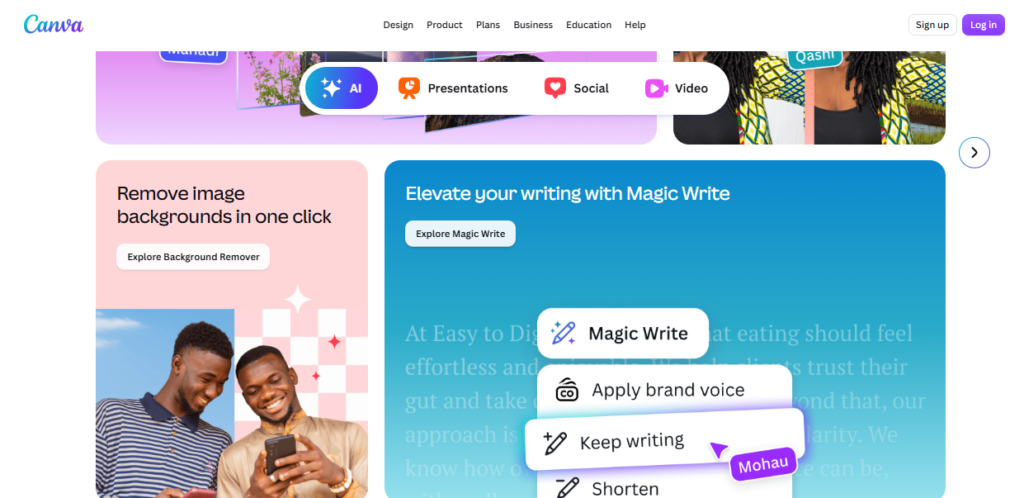
You can create promotional posts by prompting Canva. Resize them to fit Instagram & Facebook, and ensure cohesive font & colour design using a Brand Kit.
Pricing: Canva offers a free plan but with limited AI tools. The Pro plan starts from around $15 per month. There is a discount if you pay annually. Teams requires a minimum of 3 users. Canva uses a credit based system for its AI tools, so if you generate lots of images or videos, you may use up your credits. For more information see Canva’s pricing page.
4. Zapier: Best for Automating Repetitive Work
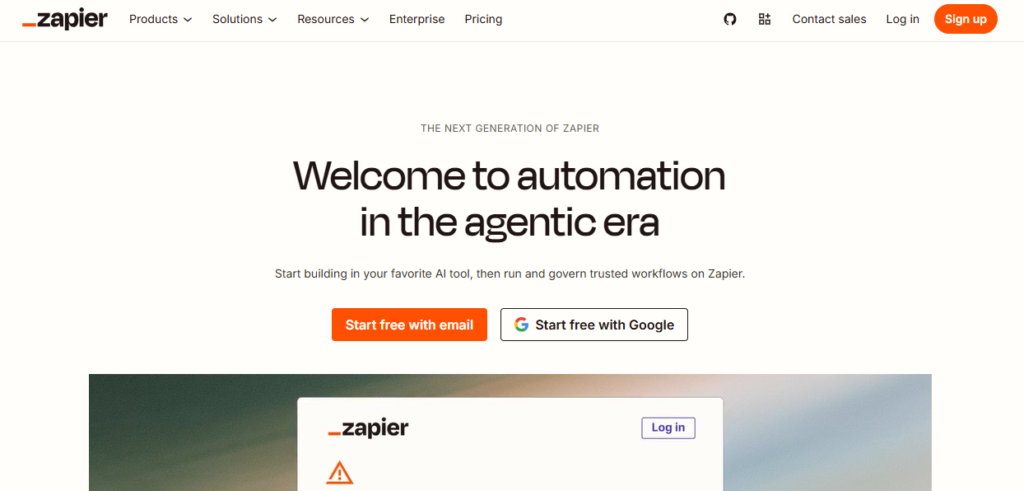
Zapier is an automation tool where you can connect your favourite apps together and share data between them. It has some AI features too, such as Zapier Agents.
For example, if a customer submits a web form you can automatically add them to your CRM, send them a confirmation email and add a note to their slack.
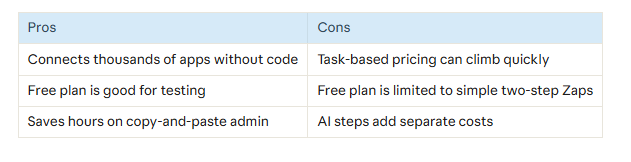
Pricing: The free version allows you to do 100 tasks per month. The professional version can be paid for from $29.99 per month (around $19.99 per year). You can do 750 tasks. However, from June 2026, AI steps will cost
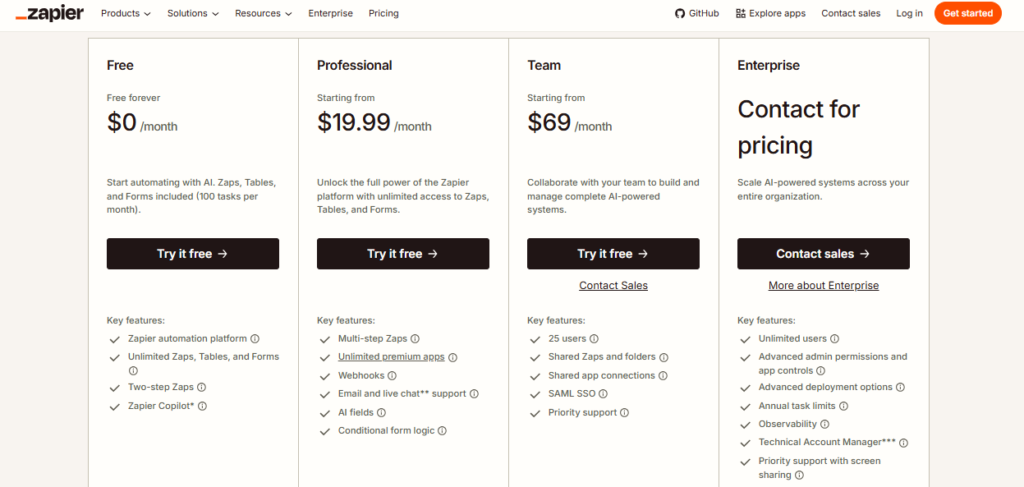
depending on which model you use. If you have a lot of AI steps, it can get quite expensive. You can view Zapier’s pricing page here.
5. Notion AI: Best for Team Knowledge and Projects
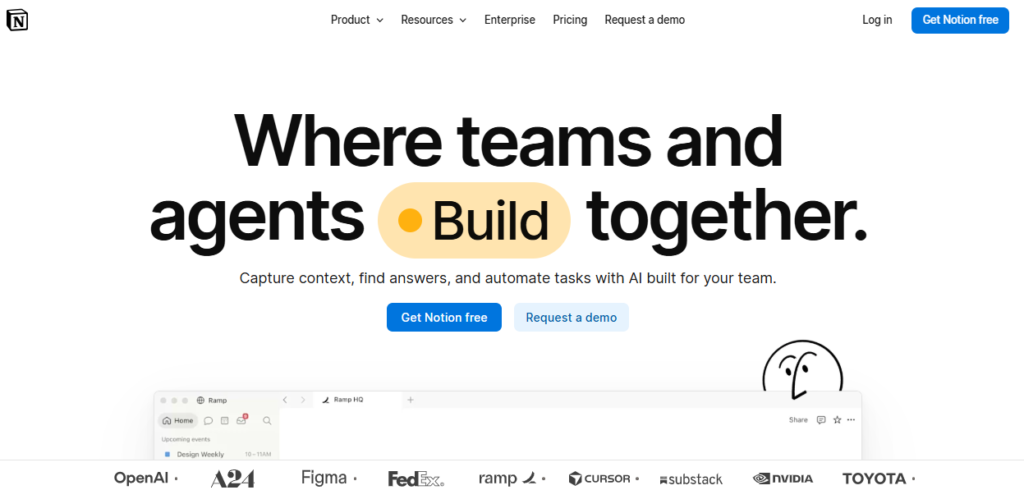
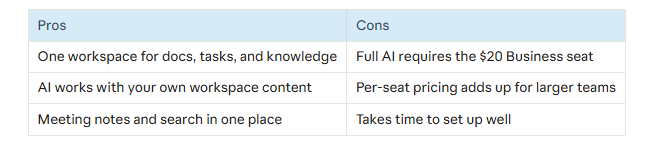
Notion is a note-taking, document creation, database and project management tool that offers some great AI tools like Notion Agent and AI Meeting Notes.
A small agency could use Notion to store their notes, SOPs and project tasks. Then request the AI to give a summary of where a project is at, or find a certain process document.
Notion AI comes as part of the Business plan priced at $20 per member per month (billed annually) or $24 per month. Free and Plus users can only use a limited AI trial. Custom Agents require credits which are priced at $10 for 1,000 credits. Check the pricing page for more details.
6. Otter.ai: Best for Meeting Notes and Transcripts
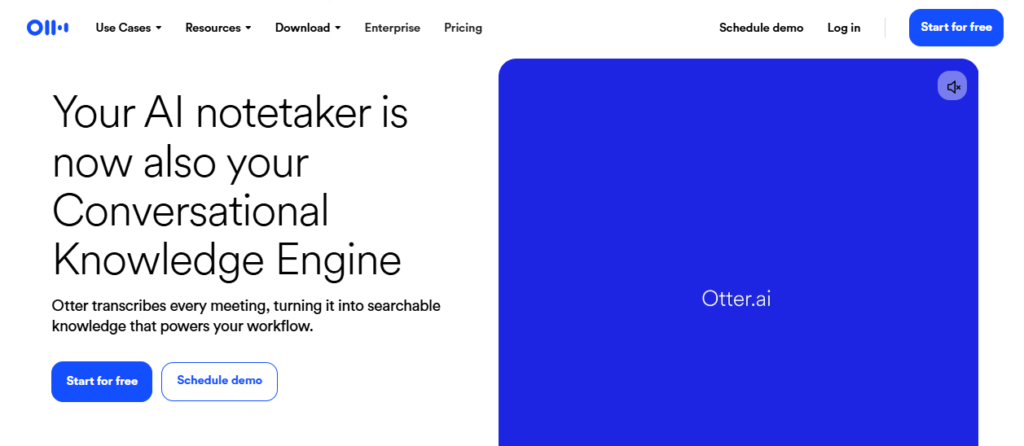
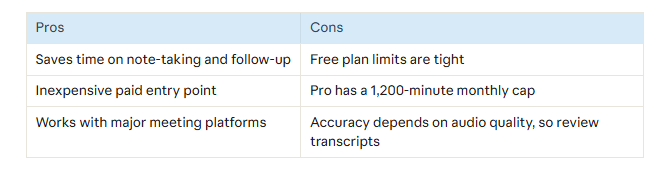
Otter.ai allows users to record and transcribe their meetings, with automatically generated summaries and action items. They also offer OtterPilot which can join your calls and note take for you.
For instance, if you’re a freelance consultant you can use Otter to record your client calls. You’ll then be able to send them a summary and action list within minutes.
Pricing: The free version of Otter includes 300 minutes (to a maximum of 30 minutes per conversation) per month. The Pro version is $8.33 per month (billed annually) or $16.99 per month. This offers 1200
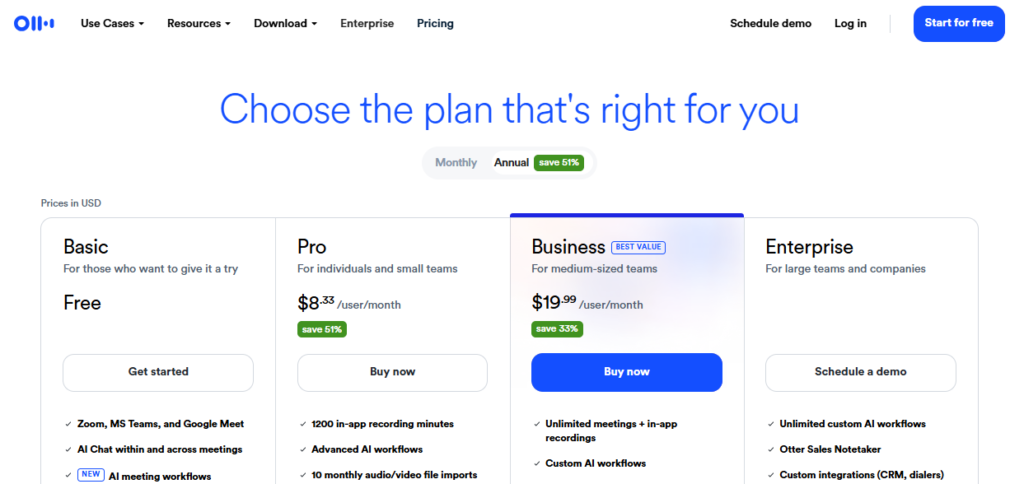
minutes. The Business version costs $19.99 per user per month (billed annually) or $30 per month. There is no rollover. Find more information on their pricing page.
7. HubSpot: Best AI-Powered CRM for Growing Teams
HubSpot is a customer platform offering CRM, marketing, sales and service. Within the AI layer of this tool you’ll find an assistant which can summarise records.
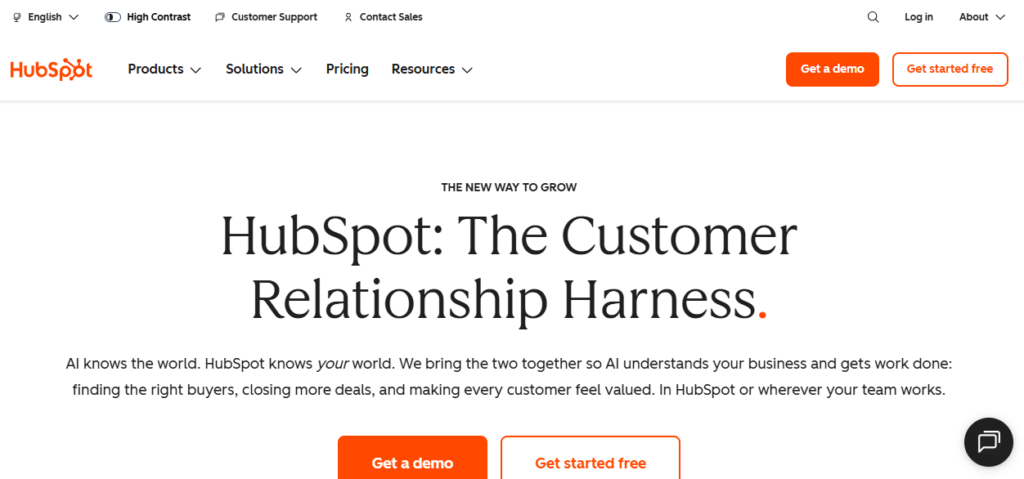
For example, service businesses can log every single lead into the free CRM. You can automatically log emails and then use the AI to create a summary of conversations with your contact prior to a sale.

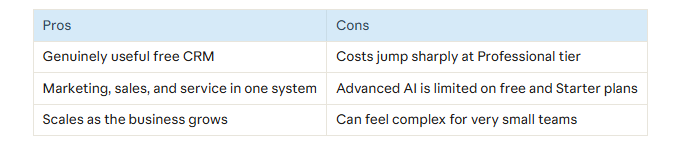
Pricing:There is a free version available. The price for the Starter Customer Platform is around $9-$15 per seat (depending on promotions). However, most of the advanced features in the Breeze AI layer come under the Professional and Enterprise versions, which will be much more expensive (Marketing Hub Professional from around $890 per month). See the pricing page for more details.
8. Tidio: Best for Website Chat and Customer Support
Tidio offers live chat and chatbot functionality. It also has an AI bot (Lyro) which can answer common questions.
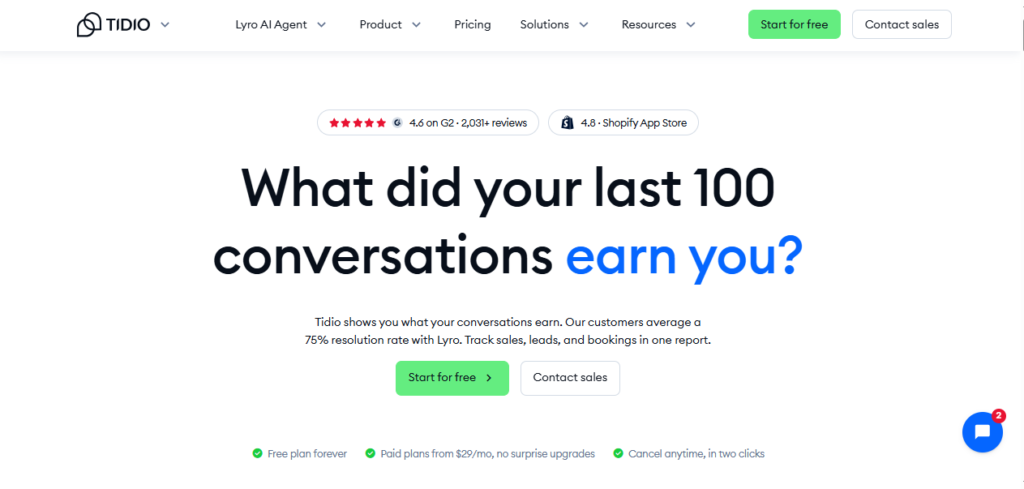
For example, you can use it at an online store to answer any questions related to delivery and returns. Complex issues will be passed onto a member of staff.
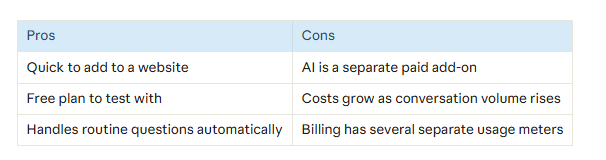
Pricing: There’s a free version which allows for 50 interactions per month. The starter plan costs $29/month and allows 100 interactions using a human.
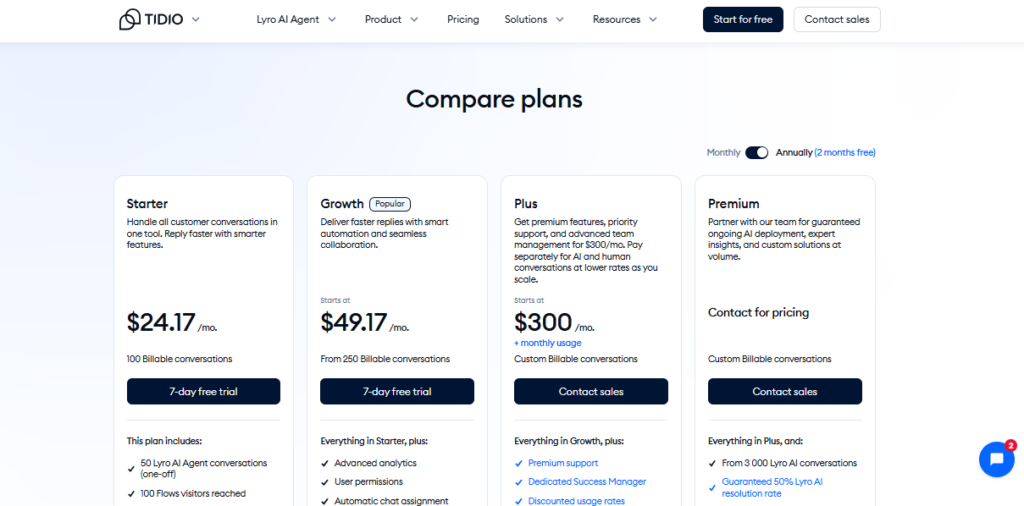
Any additional interactions using the Lyro bot can be purchased for $39/month (50 interactions). There’s also a 7 day free trial. For more details please see the pricing page.
9. Grammarly: Best for Polished Business Writing
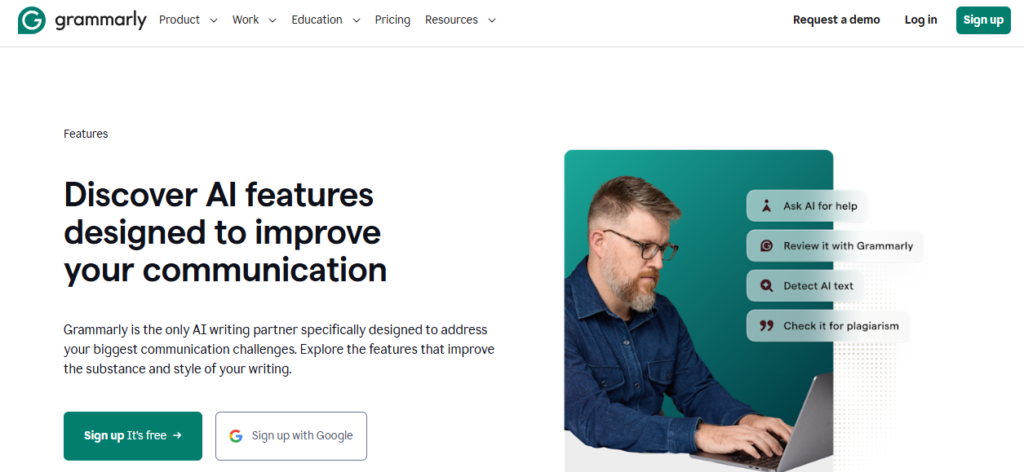
Grammarly a tool that will help you correct your spelling, grammar, clarity and tone within email, documents and browsers. If you upgrade, you’ll be able to edit whole sentences, change tone and detect plagiarism and AI text.
A founder could check that their proposal to a client has the right tone and clarity. They could also create style guides to ensure consistency within emails.
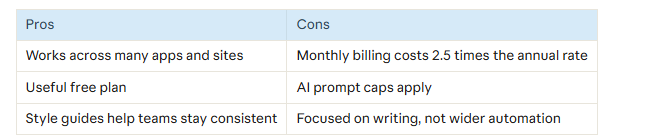
Pricing: Free plan – Basic editing, 100 AI prompts a month. Pro plan ($12 per member per month, billed annually) or ($30 per month) 2000 AI prompts per member. Free 7-day trial. See official plans page.
10. Gamma: Best for Presentations and Proposals
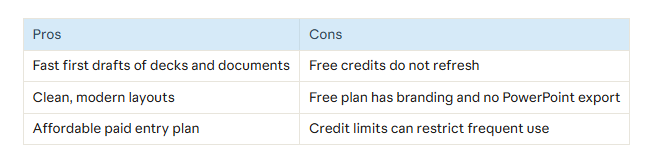
Gamma lets you generate presentation decks, documents, webpages and socials using a text prompt. It allows you to then make changes within the browser.
For instance, a contractor could create a professional looking deck containing their project outline in minutes. They could then go through and make changes to each slide.
The free plan includes a one off 400 AI credits, a Made with Gamma logo and no PowerPoint export. The paid plans start at around $8 a month (or $10 if paid monthly). More credits and features are included as you move up the pricing tiers. The prices vary between sources so be sure to check out Gamma’s pricing page.
11. Jasper: Best for Brand-Consistent Marketing Copy
Jasper is an AI marketing tool that helps create content using their Brand Voice and Knowledge tools.
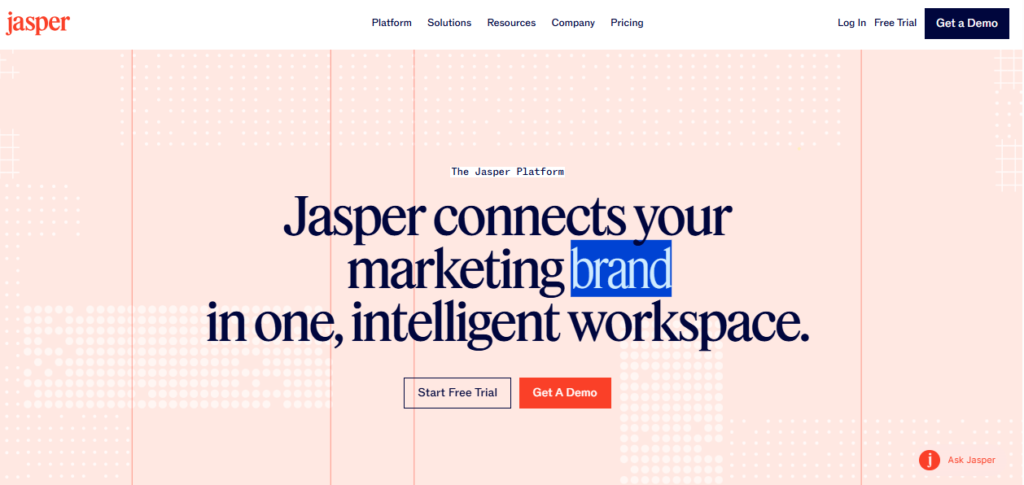
For example, a marketing freelancer could save each of their clients brand voices and create blog outlines, adverts and emails in the correct tone.
Jasper does not have a free version. You can try the tool for 7 days for free. The Pro version costs $59 per seat per month (billed yearly) and the Business version is bespoke. The Pro version is only available as one seat. Small teams may need to contact sales. See Jasper’s pricing page.
How to Choose the Right AI Tool for Your Small Business
Not all 11 tools are necessary. pick which one you need most depending on what takes up the most of your time.
- What is your biggest bottleneck? Content, customer queries, meetings, chasing-up, admin?
- Start with free plans. ChatGPT, Claude, Canva, Zapier, Otter.ai, Tidio and Grammarly all have a free plans.
- Be aware of any limitations. How many credits, minutes and conversations will you get?
4. How many seats? Notion, Grammarly and HubSpot can quickly become expensive when using the per seat option.
5. Try out for 30 days. See how many hours you are saving.
Quick Picks by Goal
- Marketing and content: Canva, ChatGPT, Jasper
- Customer support: Tidio, HubSpot
- Automation and admin: Zapier, Notion AI, Otter.ai
- Writing quality: Grammarly, Claude
- Sales and proposals: HubSpot, Gamma
Frequently Asked Questions (FAQs)
1. What are the best AI tools for small business?
It really depends what you need. For general writing and research, ChatGPT and Claude are great. Canva is a great design tool. If you want workflow automation then try Zapier. HubSpot is great for customer management. Tidio covers website support and Otter.ai captures meetings.
2. Are there any free tools?
Yes! ChatGPT, Claude, Canva, Zapier, Otter.AI, HubSpot, Tidio, Grammarly, Gamma all have free planns. However these are limited to a certain amount of usage, features or credits. Try them out for real tasks to see if they work for you.
3. What is the best AI tool for marketing small business ?
Start with Canva and ChatGPT to build your visual content and written content. If you need lots of content with a consistent brand voice then Jasper is the tool to use. It is just more expensive.
4. Can AI replace employees in a small business?
It can be better to view AI as a time-saving tool rather than a replacement. It is good at generating drafts, summarizing and repetitive tasks but will still require human input.
5. How much should I spend on AI tools?
This will vary depending on your business. Start with free options and then look at adding one paid option which will help resolve a specific problem. Many great tools will start from around $8 – $30 per month.
6. Is it safe to use AI tools with customer data?
This will depend on the tool and plan you are using. Check the privacy and security information from each provider. Try to avoid using any sensitive data if you are unsure. Business plans often allow more admin control.
Final Conclusion: Which AI tool you should try first?
While the above list shows you the 11 best AI tools for small business, to get real value out of them it’s best to pick two or three tools that really work for you. Most business owners will find it a good starting point to use ChatGPT or Claude for writing and research, Canva for designing and Zapier for an automation task.
Choose one tool to try and see how much time you save. Most of these will have either a free version or free trial available so you can try them out without paying. Click through to their official site above to see what they currently offer.